When entering the Meeting Room Services page you will see the above shown form that incorporates all the elements required to be able to request Meeting Room Services.
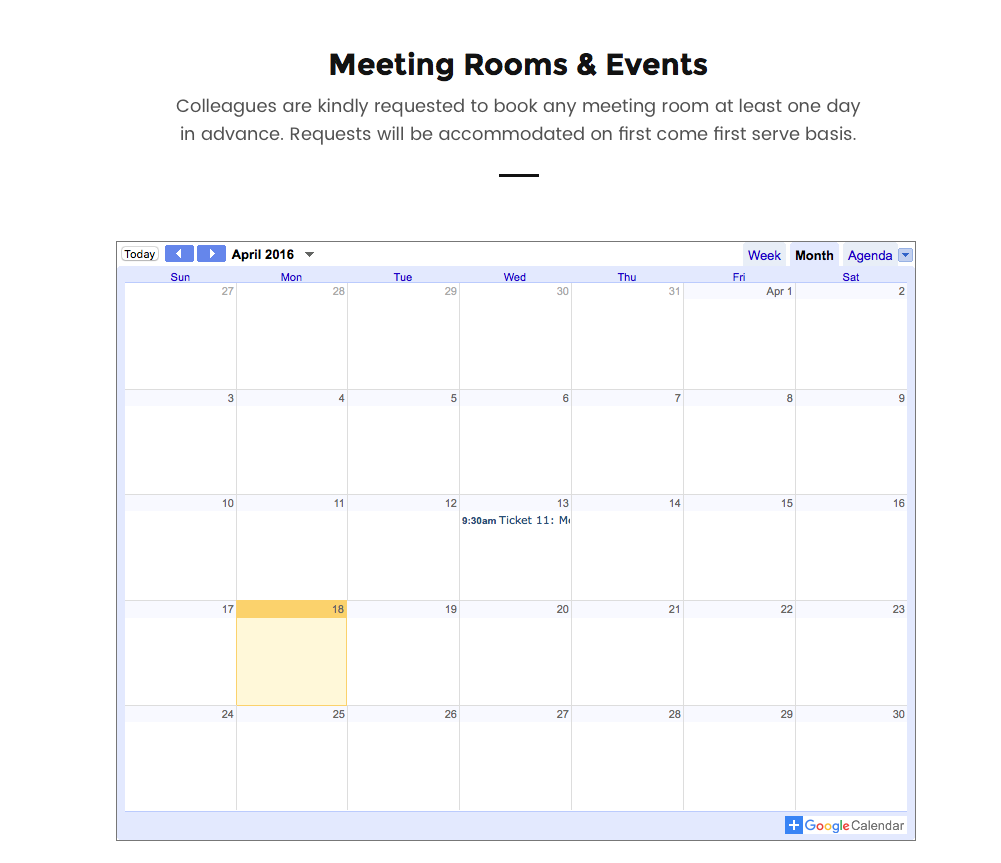
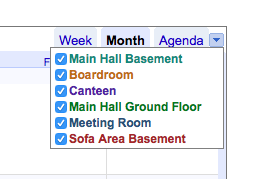
The calendar view shows all the meeting room bookings currently in place. From here you are able to check the availability of the meeting room that you require. To filter the data you can click on the drop down in the top-right corner (next to Agenda) and select the meeting room
Fields:
Name: Enter your name and Surname
Email: Enter your email address (Required)
Date: Enter the event Date (Required)
Time From: Enter the start time of the event
Time To: Enter the end time of the event
No of Days: Enter the number of Consecutive days for the event. (If the event requires multiple days, which are not consecutive you are required to submit the dates as separate events.
No of Adults: Enter the number of adult attendees
No of Children: Enter the number of child attendees
Meeting Room: Select the meeting room required. Multiple meeting rooms can be selected should they be required. The meeting room selection can be the following:

Equipment:
Select the equipment required for the event. Multiple equipment items can be selected should they be required. The equipment selection can be the following:

Other Stationery: Enter here any items not listed above that are required during the event.
Room Setup:
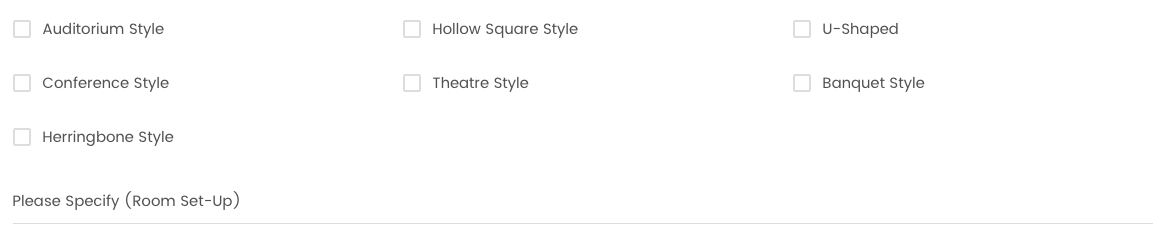
Select the room setup required for the event. Multiple room setups can be selected should they be required and it is important that a detailed identification needs to be entered in the Please Specify text field. The room setup selection can be the following:
Accessories:
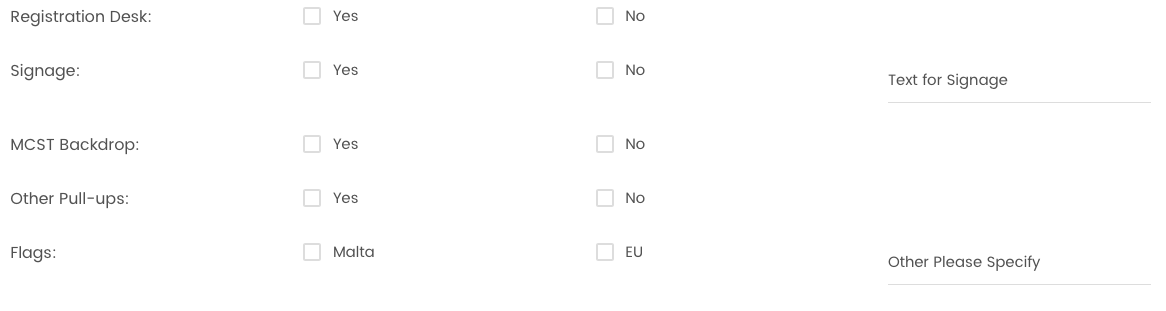
Registration Desk: Select YES or No based on your requirements
Signage: Select YES or No. If Signage is required please specify the Text required on the signage in the Text for Signage field.
MCST Backdrop: Select YES or No based on your requirements
Other Pull-ups: Select YES or No based on your requirements
Flags: Select which flags are required from Malta, EU or other Flags are per required
Catering:
Select the catering required for the event. Multiple catering items can be selected should they be required. The catering selection can be the following:

Meeting to be funded through:
Select the source of funding for the event. The selection will be from the following:

If the funds will be obtained from EU Funds, the specific Project is required to be indicated.
Once all the details are entered as per example below click on the SUBMIT REQUEST button in Red.
0 Comments